
24 hour prescription ordering
The quickest & easiest way to order your prescription is through our app, and best of all you can do it at a time to suit you!

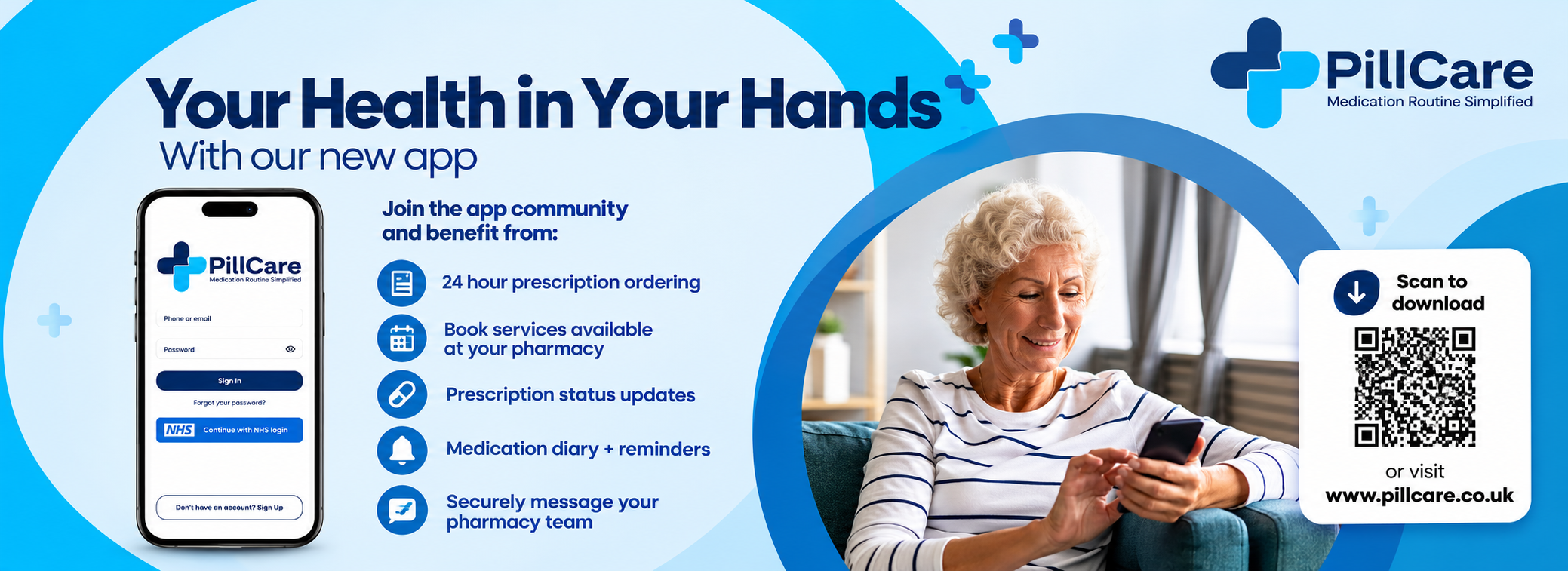
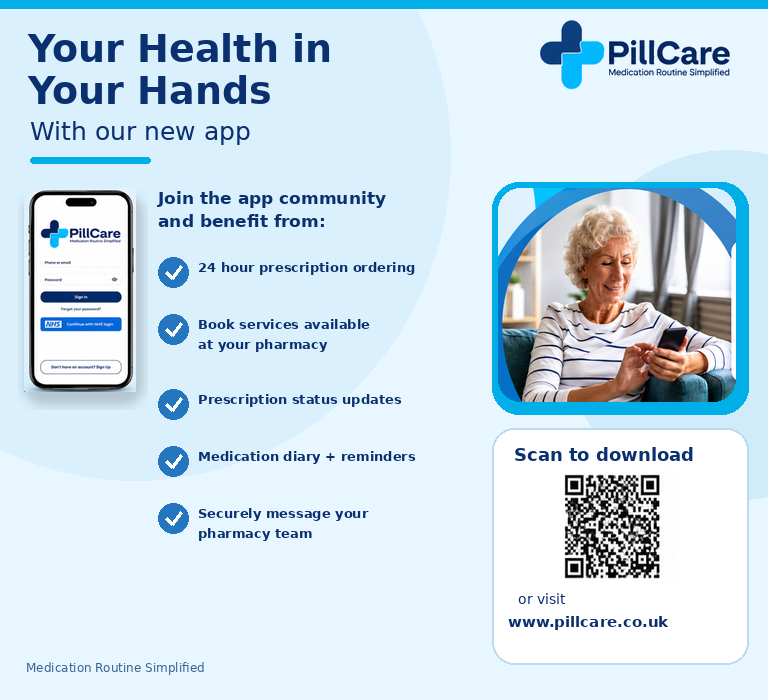
The quickest & easiest way to order your prescription is through our app, and best of all you can do it at a time to suit you!

We provide NHS & pharmacy services to help look after your health, download our app & see which services could help you.

Set your own alerts & reminders, so you never forget to take your medication or to order your prescription again.

If you have a question for your pharmacy, but you prefer to pop in or call, you can send them a secure message.
Scan the code below to download our app
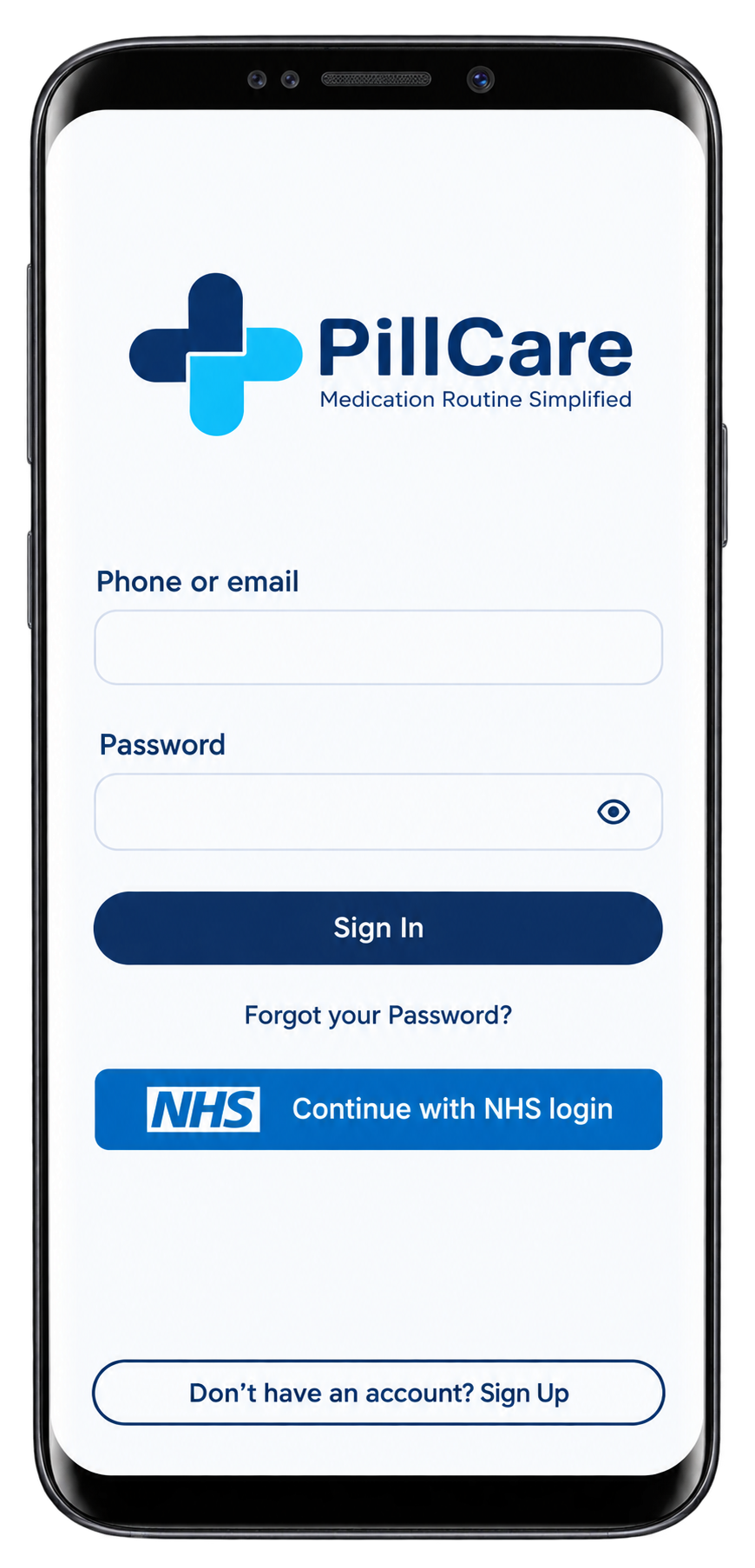
Follow the on screen instructions to connect with your NHS account
Request repeat prescriptions, message your pharmacy team, or book a pharmacy service.

Scan the code with your phone camera, or visit www.pillcare.co.uk on your phone.
Easy Access
Your health in your hands. Order prescriptions, set medication reminders and message your pharmacy team, 24/7.
Access your NHS account through your web browser and easily select ProCare Pharmacy as your preferred provider for prescription services.
How to Set ProCare Pharmacy as Your Chosen Pharmacy
Log in to your NHS account via the official web portal
1.Go to Prescriptions
2.Select Your Chosen Pharmacy
3.Click on Change Your Chosen Pharmacy
4.Tap Start Now
5.Choose Local Pharmacy
6.Enter the HA3 8SAPostcode
7.select ProCare Pharmacy from the list
